




- When Do I Get It?
(Collection / Delivery Time Frames)
Our picking, packing and delivery procedure is directly affected by what you order, where you want it delivered and how you choose to pay, so delivery times may vary.
Estimates are provided in the tables below to help you pick the delivery option that best suits you, but always check your order’s Estimated Delivery Date on email communications from us for the most accurate delivery information.
Delivery
| Delivery destination | Delivery time |
| Gauteng | 1-4 working days |
| SA Cities (outside Gauteng) | 2-5 working days |
| Regional Areas | 2-6 working days |
| Remote Areas | 3-7 working days |
Collections
Collect Location: Titan Ice retail store
Address: 774 Jacqueline Drive
Garsfontein
Pretoria
0081
Lead times vary, Please wait for your Ready to Collect email before collecting.
*Trading Hours:
We are open Mondays – Fridays from 8:30 to 17:30
We are also open on Saturdays and Public Holidays from 9:00 to 13:00.
We are closed on Sundays, Easter weekend, Christmas and New Year.
Centralized Management for Access Points, Switches, and Routers
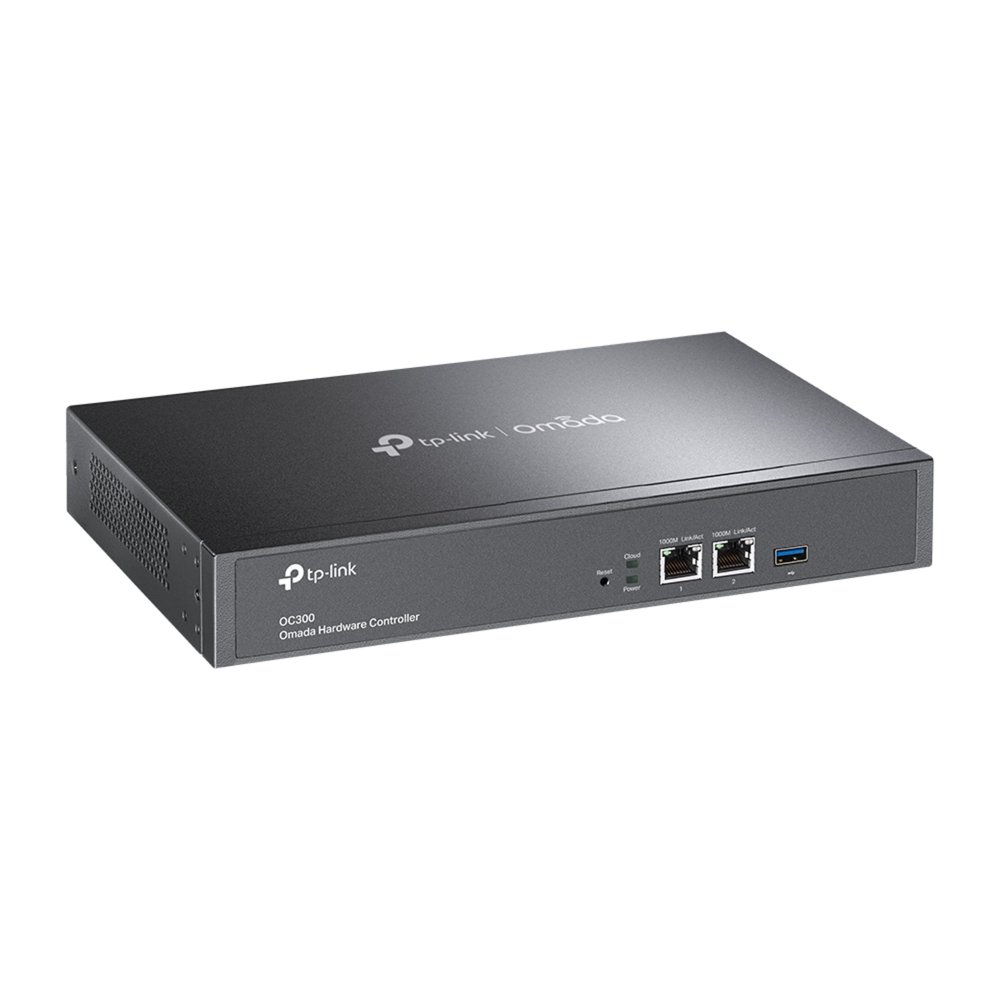
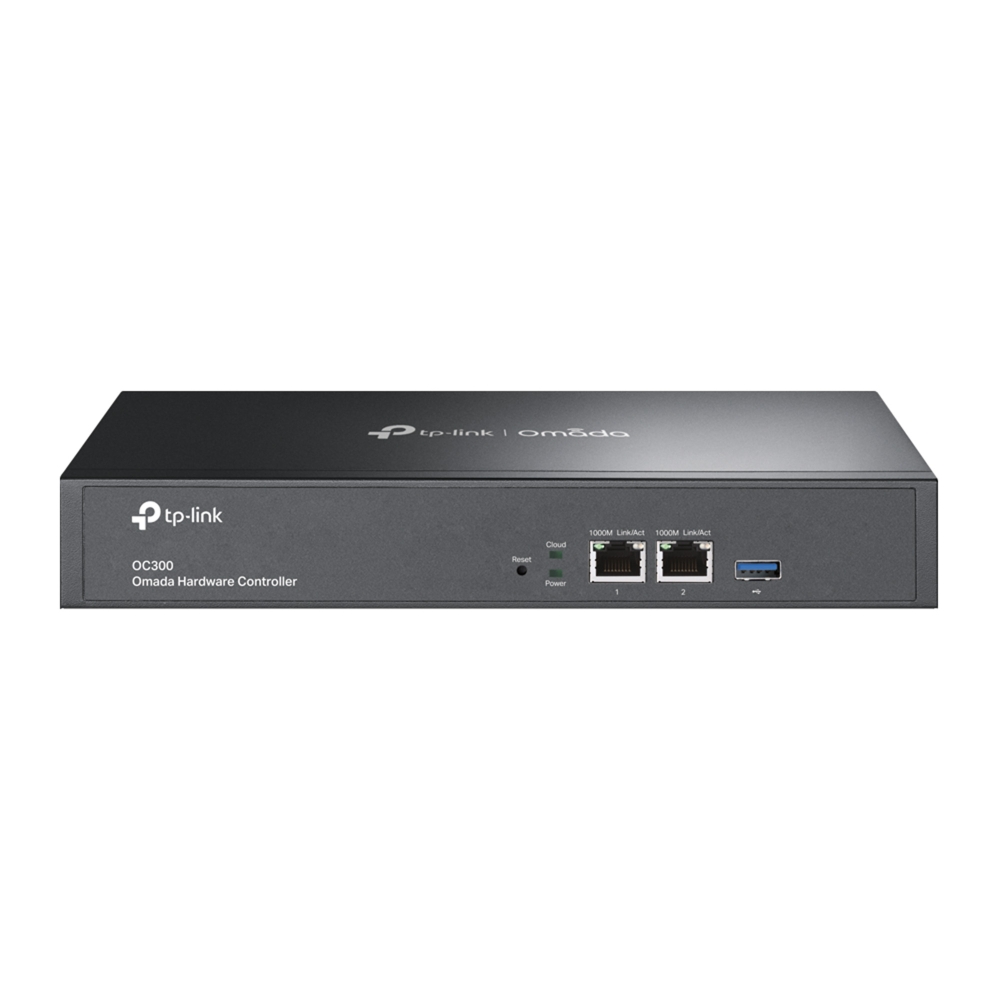
OC300, the professional on-premises hardware controller for the Omada Software Defined Networking (SDN) platform, provides 100% centralized management of Omada access points, JetStream switches, and Omada routers—all controlled from a single interface. With the OC300, networks can be managed without the need of an additional dedicated PC/server.
Hybrid Cloud for Maximum Convenience
Featuring hybrid cloud technology, the Omada Hardware Controller OC300 allows you to remotely control the whole network wherever you are in the world with cloud access. Locally manage devices with the ultimate security and stability.
Industry-Leading Hardware Design
Equipped with an advanced design and the latest chipset, OC300 has enough processing power to support the massive management of your business network. Rackmount/desktop design benefits easier and flexible installation.
Easy and Intelligent Network Monitoring
The easy-to-use dashboard makes it easy to see your real-time network status; check network usage and traffic distribution; receive network condition logs, abnormal event warnings, and notifications; or even track key data for better business results. Network topology helps IT admins quickly see and troubleshoot connections at a glance.
FEATURES
- Centralized Management: Up to 500 Omada access points, 100 JetStream switches, and 100 Omada routers.
- Free Cloud Access: Manage and monitor with the Omada app or Web UI from anywhere, anytime.
- On-Premises Management: Locally monitor and manage devices with the ultimate security and stability.
- Industry-Leading Hardware Design: A powerful chipset, durable metal casing, USB 3.0 port for auto backup, and two Gigabit ports.
- Easy and Intelligent Network Monitoring: The easy-to-use dashboard makes it simple to see the real-time network status and traffic distribution.
- Real-Time Network Topology: Helps IT admins quickly see and troubleshoot connections at a glance.
- Easier Network Maintenance: WiFi heatmap simulator, visualizable network report, and batch & multi-site management benefit network maintenance.
SPECIFICATIONS
| Interface | 2× 10/100/1000 Mbps Ethernet Ports 1× USB 3.0 Port |
|---|---|
| Power Supply | 100–240 V~50/60 Hz, 0.6 A |
| Dimensions (WxDxH) | 294 × 180 × 44 mm |
| Package Content | Omada Hardware Controller OC300 Quick Installation Guide Ethernet Cable Power Cord Rackmount Kit |
| System Requirements | Microsoft Windows 10, 8, 7,Vista, XP or MAC OS, NetWare, UNIX® or Linux |
| Management Features | |
| Omada App | Yes |
| Centralized Management | Up to 500 Omada access points, 100 JetStream switches, and 100 Omada routers* Up to 15,000 clients * Refer to TP-Link to find all the models supported by OC300 |
| Cloud Access | Yes |
| L3 Management | Yes |
| Multi-site Management | Yes |
| Management Features | Automatic Device Discovery Batch Configuration Batch Firmware Upgrading Intelligent Network Monitoring Abnormal Event Warnings Unified Configuration Reboot Schedule Captive Portal Configuration |


